
Have an online shop that pays into your local bank account!
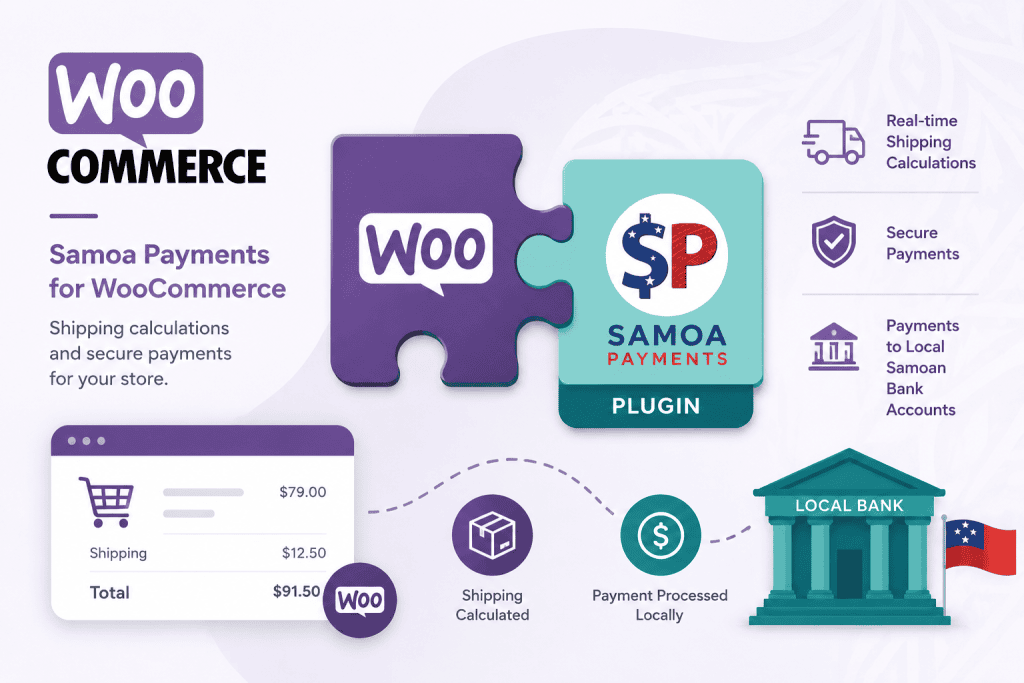
WooCommerce, the most popular open-source e-commerce platform in the world, now has Samoa Payments plugins capable of calculating shipping costs and taking payment in $Tala into your local bank account!
Best of all, the WooCommerce platform and our Samoa Payments plugins are completely FREE! Simply provide your own website hosting and domain, as you would for any website – or let Samoa Payments take care of that for you too!
With shipping and payments seamlessly integrated, your Samoa Payments-enabled WooCommerce store provides everything you need to sell online – from product creation and catalogue display to shopping cart, checkout, and order fulfilment.
Ready to integrate? Follow plugin instructions below:
Shipping Plugin
- DOWNLOAD the Shipping plugin
- Get your BusinessID from the top right section of the Home Tab in the Samoa Payments Client Portal https://samoapayments.com/clientlogin
- Edit your Business details and set your Delivery Margin, which is the percentage you want to add onto the calculated Shipping Costs to cover Packing, Handling, Dispatch and Profit, the Default is 5%.
How to Install Shipping Plugin:
- From WordPress Admin Dashboard go to Plugins -> Add Plugin ->
- Click on “Upload Plugin” button then Upload “samoa-shipping.zip” file and click “Install Plugin” button
- It will upload and install plugin, and show a “Activate Plugin” button, click on Activate Plugin.
How to Use Shipping Plugin:
- After activating plugin go to WooCommerce -> Setting -> Shipping -> Samoa Shipping
- Now checked the Enable checkbox, and Enter BusinessID
- Now Click on “Save changes” button
- All done, now at cart and checkout page shipping options will be shown as per product weight and customer address.
Payment Plugin
- DOWNLOAD the Payment plugin
- Get your BusinessID from the top right section of the Home Tab in the Samoa Payments Client Portal https://samoapayments.com/clientlogin
How to Install Payment Plugin:
- From Admin Dashboard go to Plugins -> Add Plugin ->
- Click on “Upload Plugin” button then Upload “samoa-payment.zip” file and click “Install Plugin” button
- It will upload and install plugin, and show an “Activate Plugin” button, click on Activate Plugin.
How to Use Payment Plugin:
- After activating plugin go to WooCommerce -> Setting -> Payments -> Samoa Payments -> Manage
- Now checked the Enable checkbox, and Enter BusinessID
- Now Click on “Save changes” button
- All done, now at checkout page “Pay via Samoa Payments” option will be available.